
Turn a website design intoready-to-use images.
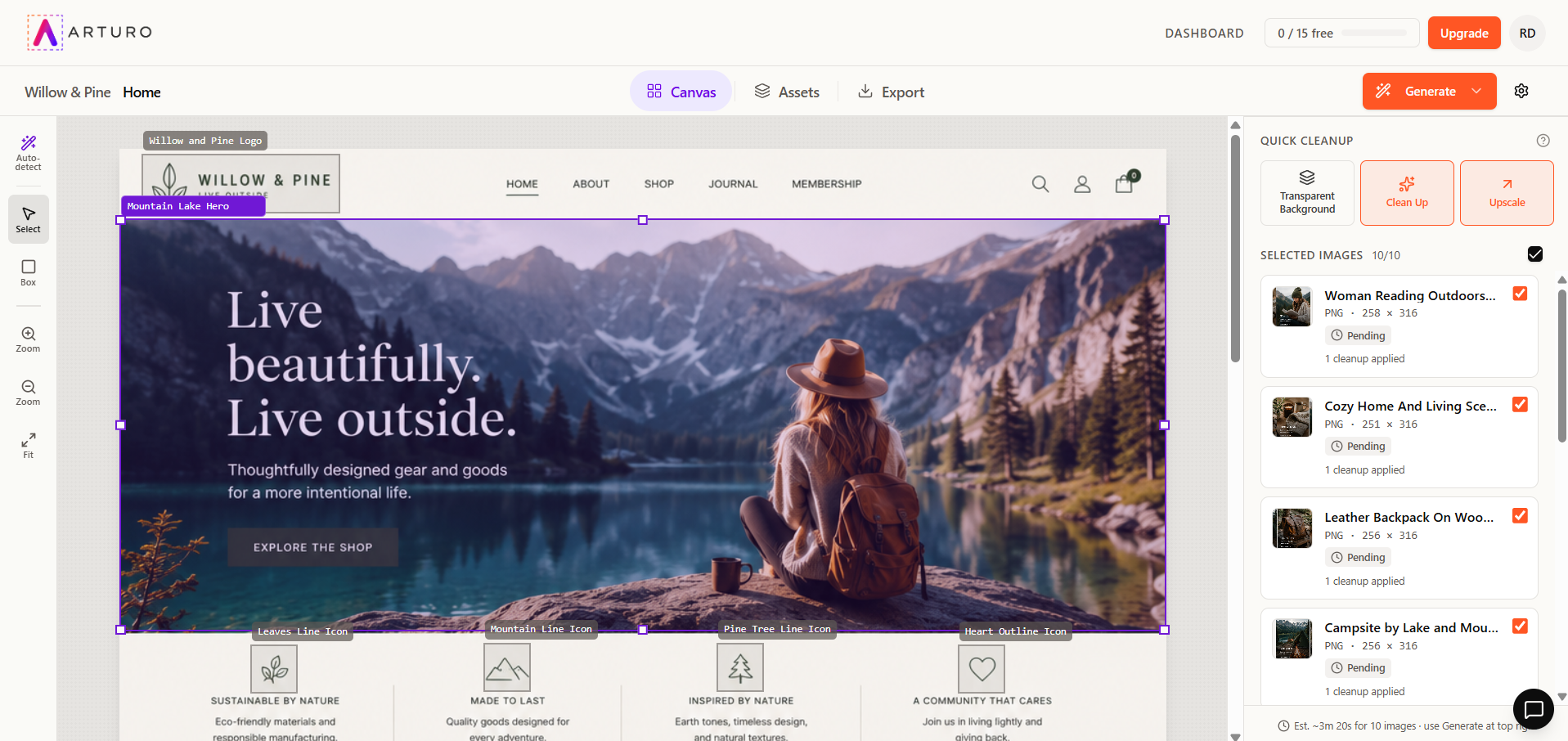
Upload the design image you were sent. Arturo finds every picture, logo, and icon inside it, cleans them up for you, and hands them back ready to drop into your site.
It also tells you the fonts, the exact colors, and every line of text in the design — so nothing has to be guessed or retyped.
200 free images. No credit card. No Photoshop, no code.
See it work
One design image in. Every picture out.
Watch it start to finish — upload, cleanup, and download. Two minutes, no editing skills needed.
Sound familiar?
Someone sends you a picture
of the website they want.
Jordan Davis
jordan@client.com · 10:23 AM
Subject: Website redesign
Love this mockup ChatGPT made — can you build the site to look exactly like this?
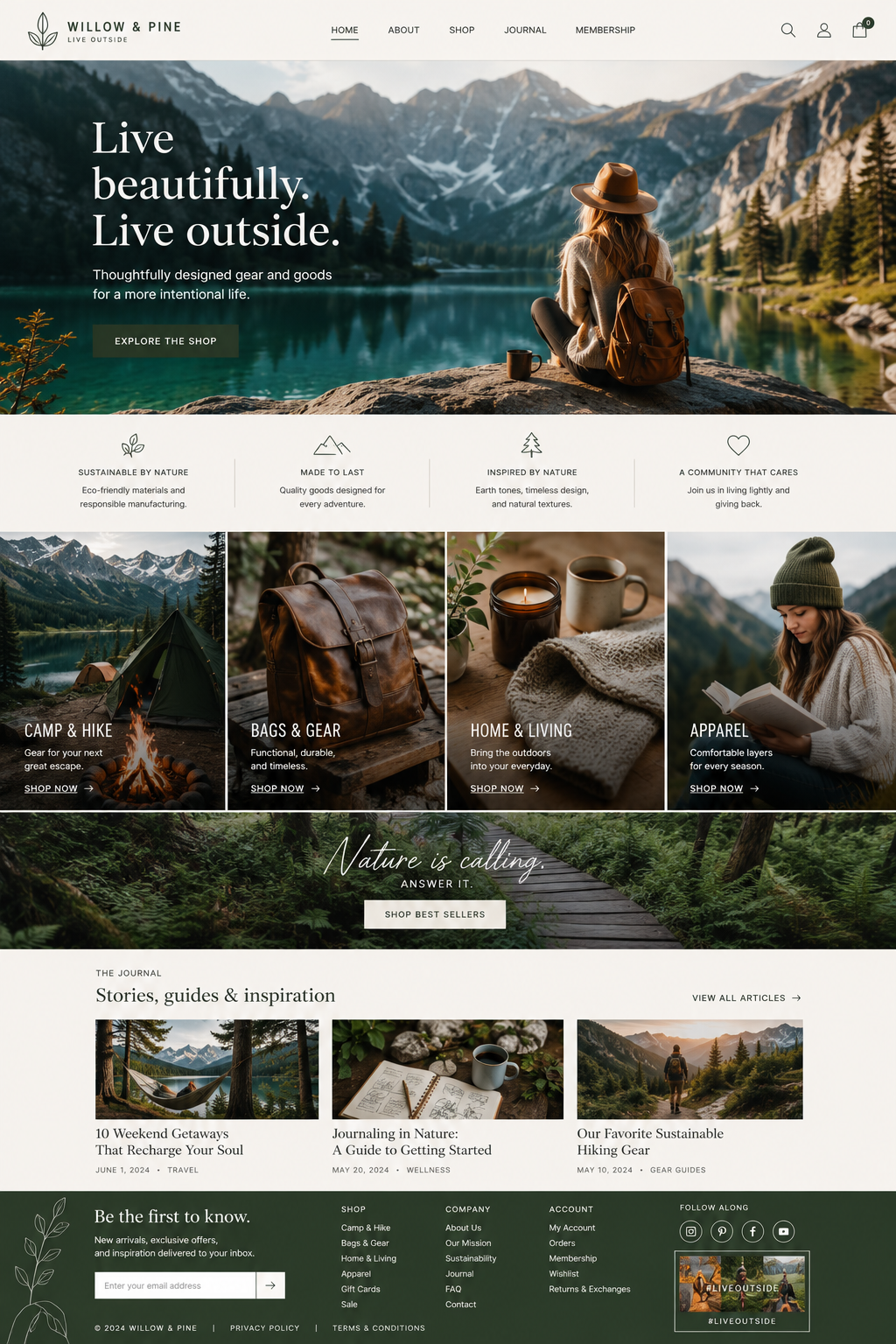
mockup.png
The problem
It's one big picture.
- You can't pull the photos out
- You don't know the fonts
- You don't know the colors
- You'd have to retype every word
With Arturo
It finds everything. You just say yes.
- Every picture found for you
- Cleaned up automatically
- Fonts identified
- Colors and text listed out
The magic moment
Upload it once. Watch Arturo find everything.
Every picture, logo, and icon is spotted for you and lined up for cleanup. You don't crop anything, draw anything, or open an editor.
It finds them for you
Arturo knows the difference between a logo, a big banner photo, and a small icon — and cleans each one the right way.
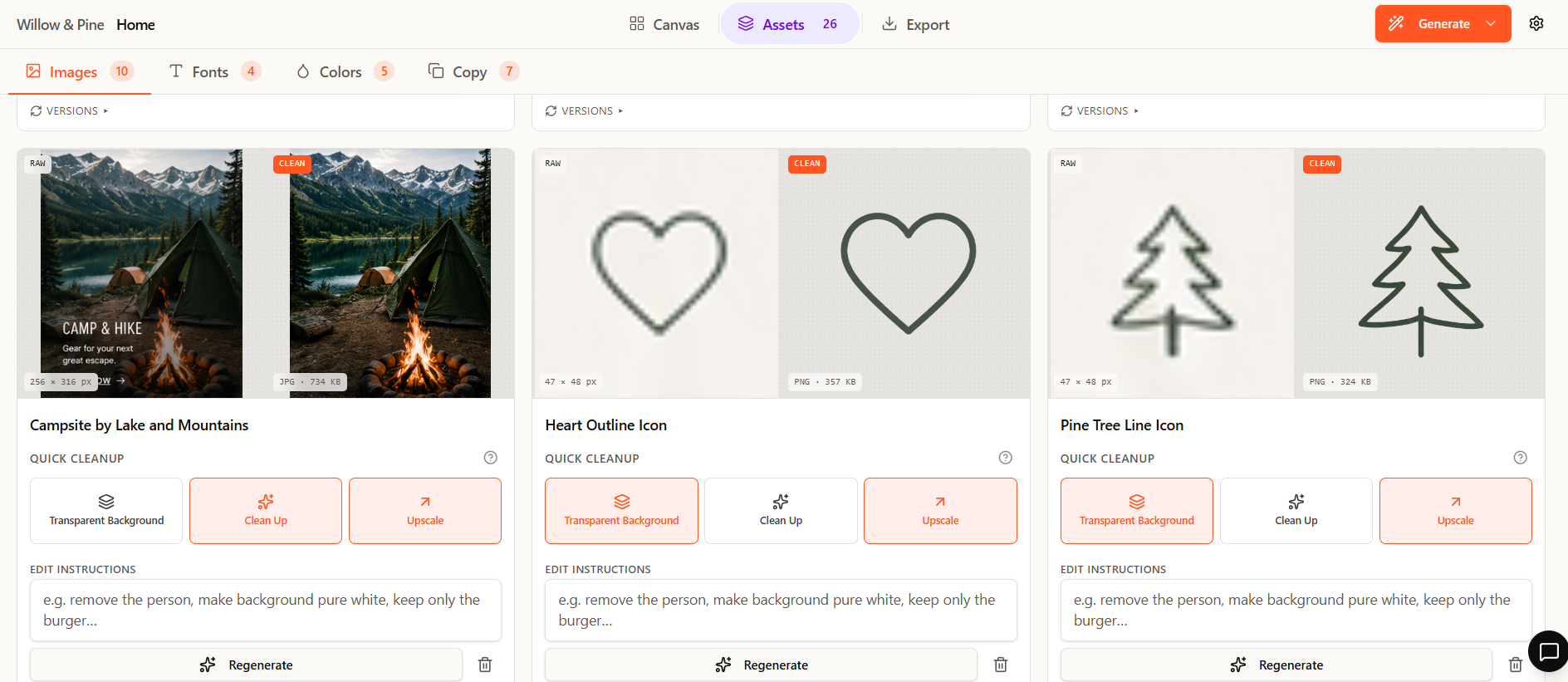
See before and after
Look at the original next to the cleaned version, so you always know what you're getting.
Don't like one? Redo it
Ask for a different result in plain English and run it again. Nothing to undo, nothing to learn.
See the difference
Before. After.
Same photo. The words and buttons are gone, and the missing background is filled back in.
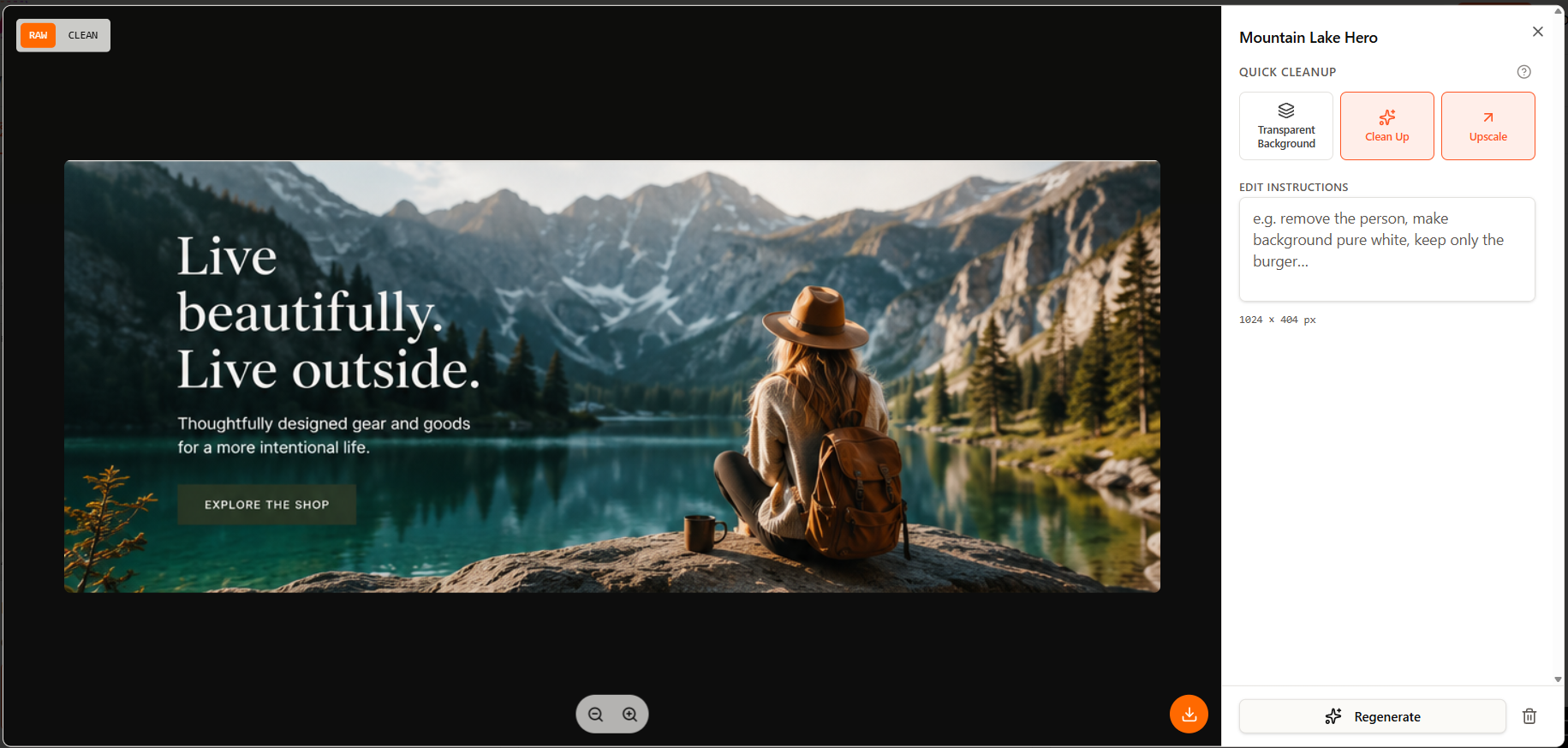
Straight out of the design, with words and buttons still on top.
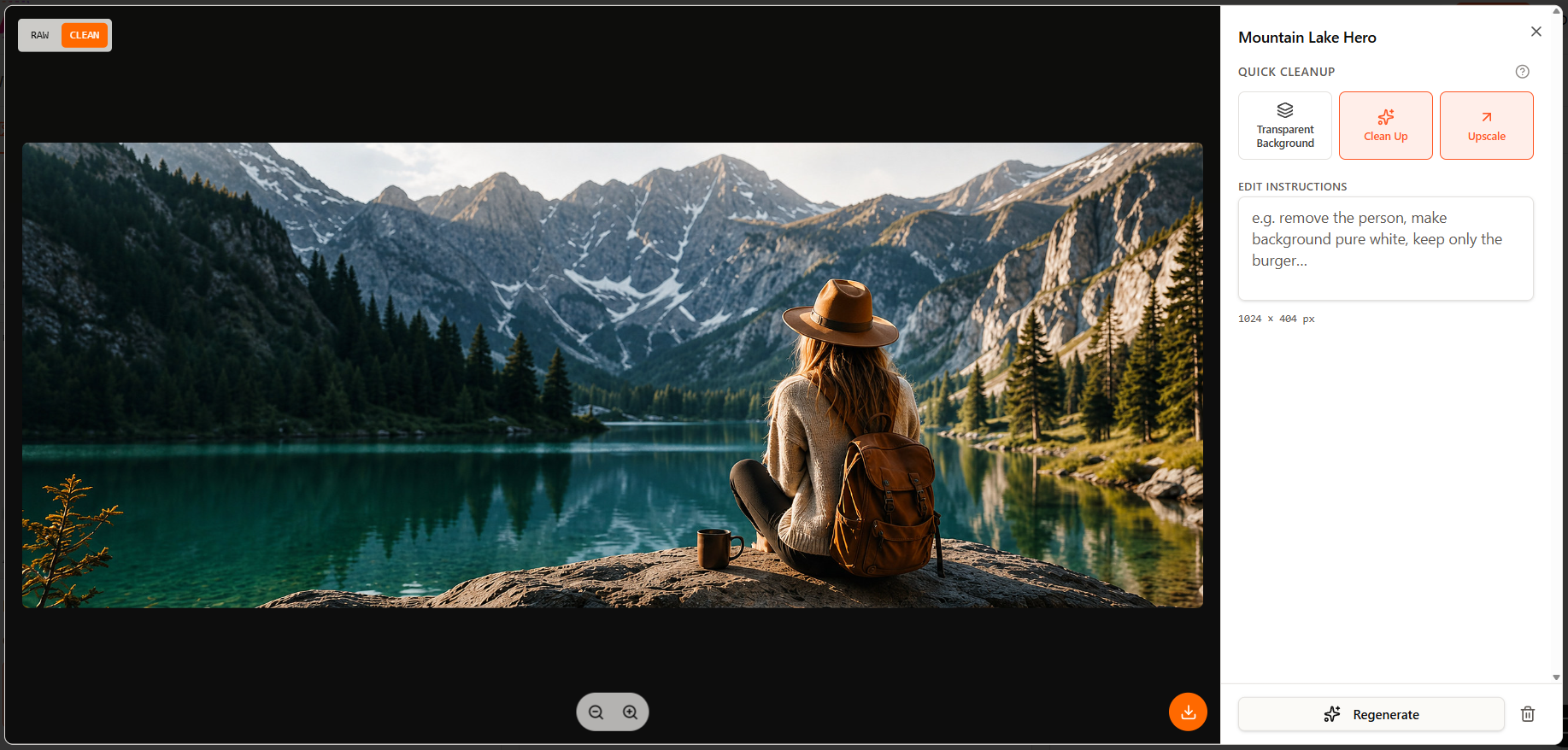
Cleaned up and ready to use on your site.
No more IMG_1234.png
Every file named for you.
Arturo names each file after what's actually in the picture, so you're not staring at a folder full of numbers trying to remember which one is the logo.
Names like hero-mountain-lake.png and logo-willow-pine.svg also help your pictures show up in Google — and save you from renaming dozens of files by hand.
Downloaded ZIP
The usual way vs. Arturo
From 3 hours to 3 minutes.
No editing software required.
Without Arturo
- 1Get the design image
- 2Screenshot and crop each picture yourself
- 3Learn an editor to erase the words on top
- 4Try to get rid of the buttons
- 5Cut out the background, one picture at a time
- 6Hope it's not too blurry to use
- 7Rename every file
- 8Do it 30 more times — or pay someone
≈ 5 different tools · 2–3 hours (if you know how)
With Arturo
- 1Upload the design image
- 2Check the boxes Arturo drew
- 3Download your images
- 4Build the website
1 tool · ~3 minutes · no skills needed

Skip the tedious part. Get your images.
Made for people building websites without a designer — no Photoshop, no code, nothing to install.